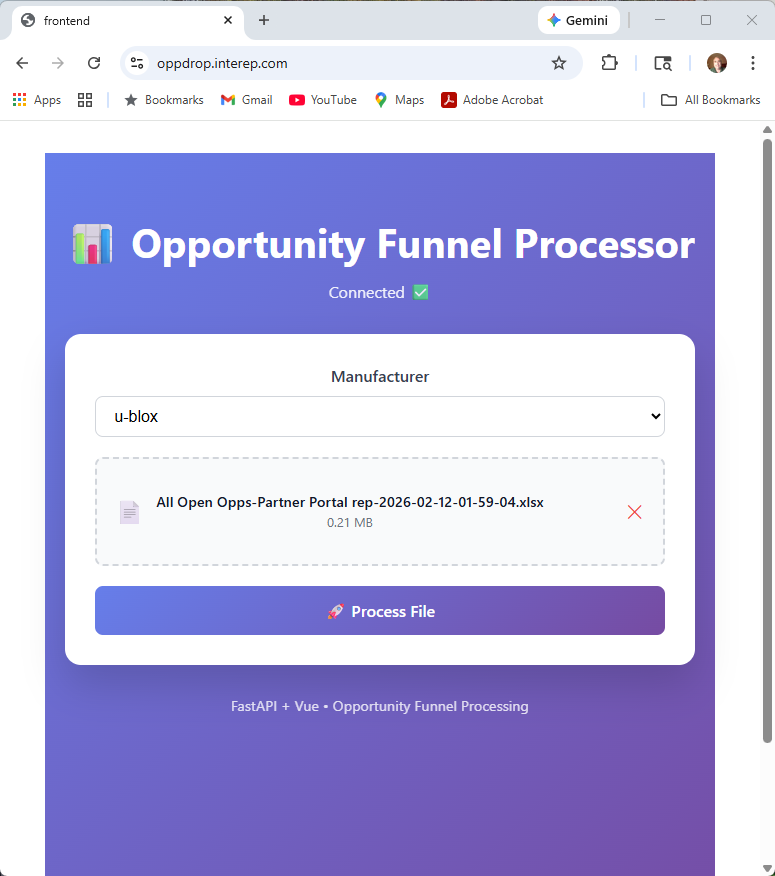
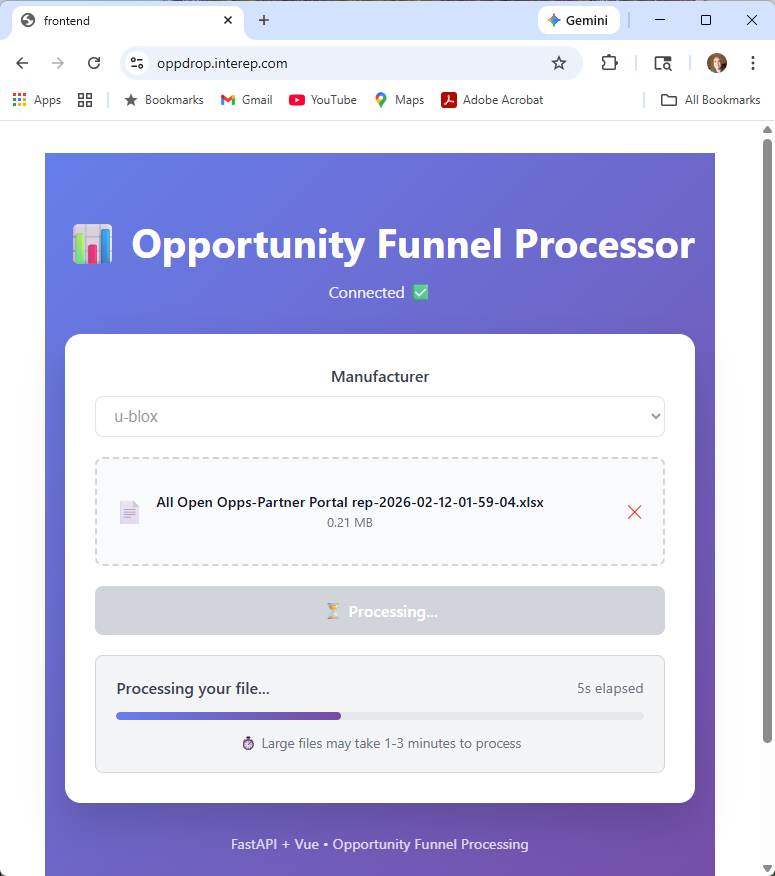
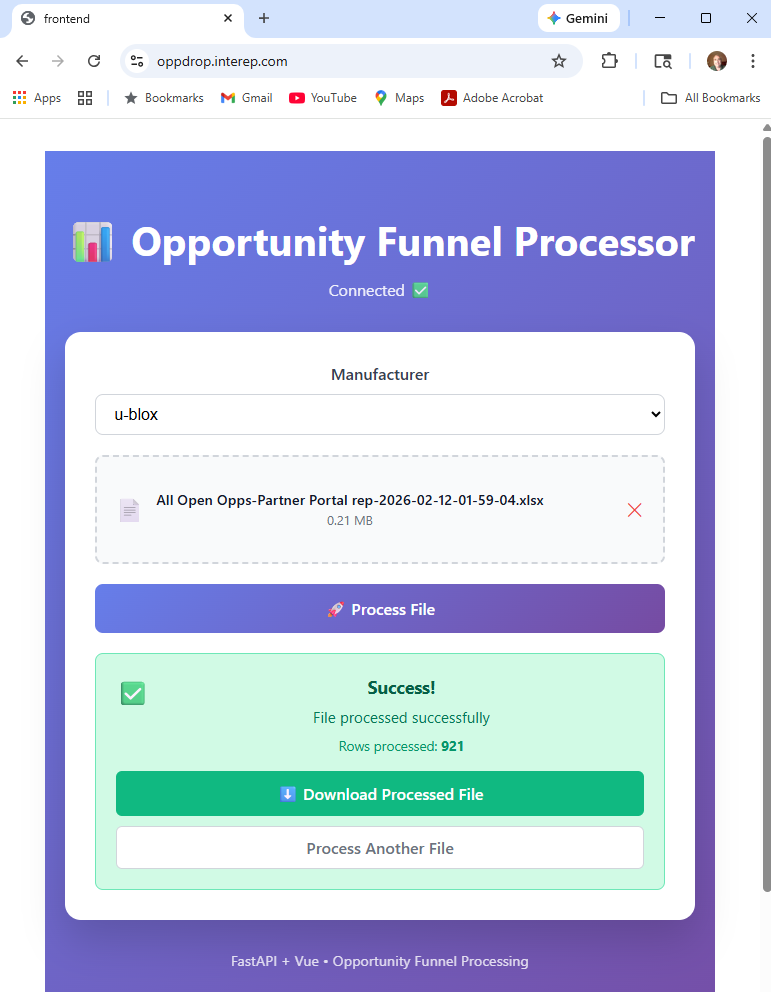
10 person sales company represents 20+ suppliers that all have different implemntations of Salesforce and similar CRM opportunity tracking tools that can be exported to Excel in various formats and includes various column names. For regular opportunity review meetings, company found it is best to filter and view only "active" opportunities. These active opportunities should be sorted by the largest to smallest, so that during the review, with limited meeting time, the most impactful items are discussed first.
The existing process involved:
- Inside Salesperson run and export report from Salesforce (or similar system)
- Send exported excel file to most experienced excel user for formatting
- Unnecessary header and footer informatin trimmed
- Column width optimized
- Column headers locked on top row
- Filtering added, showing only "Active" opportunities
- Data quality errors highlighted (production date in the past for active project)
- Sorted by annual $ value, largest to smallest
Pain Point: Having to utilize a single highly experienced but over-extended excel user to format, filter, and sort the excel files took 30+ minutes per report. Manual process was error-prone.